
We are often asked whether the UAS Portal App really has to be used. Our answer is:
We fully understand that it can feel annoying and adds extra effort. However, if you want to fly legally in Thailand, you must use this app to register your drone flights.
If you choose not to do so, you are flying at your own risk.
Here is our guide and additional information about how to use the app:
UAS Portal App – Registering Your Flights
Using the UAS Portal App has been mandatory in Thailand since August 2025. To be honest, it does add an extra step and can be a bit inconvenient.
So what does that mean in practice?
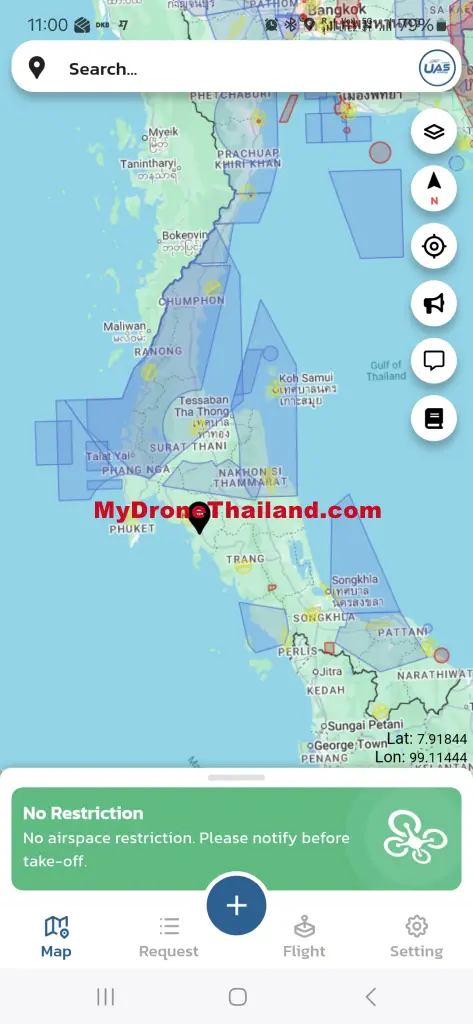
There are two types of zones: open zones and restricted zones.
Open zones (not marked in blue)
In these areas you must register each flight in the app, but approval usually comes within minutes. You define the flight area and upload a few documents, such as your pilot license. If everything is correct and complies with the regulations (for example maximum altitude and visual line of sight), the permission will appear directly in the app.
Then you only need to tap once when starting the flight and once when ending it.
Restricted zones (marked in blue)
These are training areas of the Royal Thai Air Force (RTAF). For flights on weekdays, permission must be requested in advance from the Wing Commander. Approval typically takes 3–7 working days.
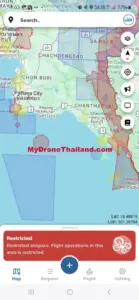
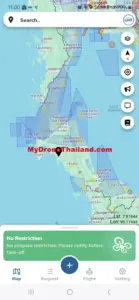
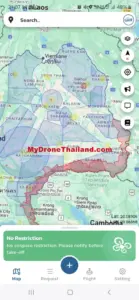
Overview of restricted zones
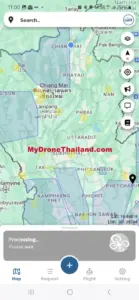
Additional restrictions
In national parks, you also need permission from the park administration. You can find a list of all parks, including contact details and drone regulations, in the article “How to Fly a Drone Legally in a National Park”